Free
৳0
For testing & basic recordings.
- Standard Screen & Window Recording
- Max 5 Minutes per Recording
- Basic Auto-Zoom Suggestions
- Basic Teleprompter
- Standard Web & Mic Audio
- Bangla + English Support
- CamVerse Watermark
স্মার্ট Auto-Zooms, বাটার-স্মুথ Cursor Physics, ডাইনামিক Webcam Bubble এবং AI Subtitles দিয়ে মুহূর্তেই তৈরি করুন বিশ্বমানের প্রোডাক্ট ডেমো ও টিউটোরিয়াল।
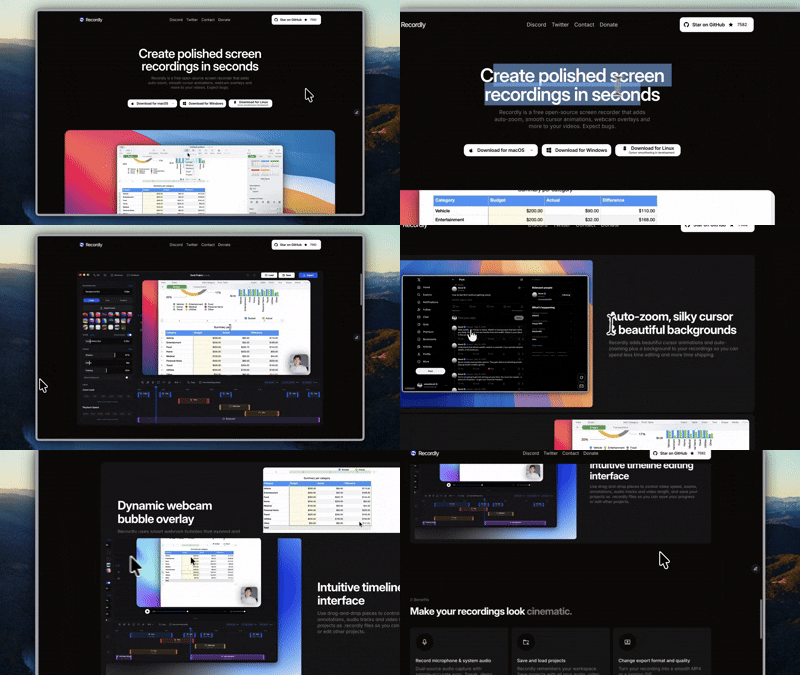
60 FPS
Lossless Native Motion
0 Keyframes
Automated Auto-Zoom
4K UHD
Studio Frame Canvas
AI Captions
Bangla & English Ready
Built for
টগল করে দেখুন কিভাবে একটি সাধারণ স্ক্রিন রেকর্ড পলিশড সিনেমাটিক ভিডিওতে রূপান্তরিত হয়।
রেকর্ডিং থেকে এক্সপোর্ট — কোনো জটিল টাইমলাইন বা কি-ফ্রেম ছাড়াই।
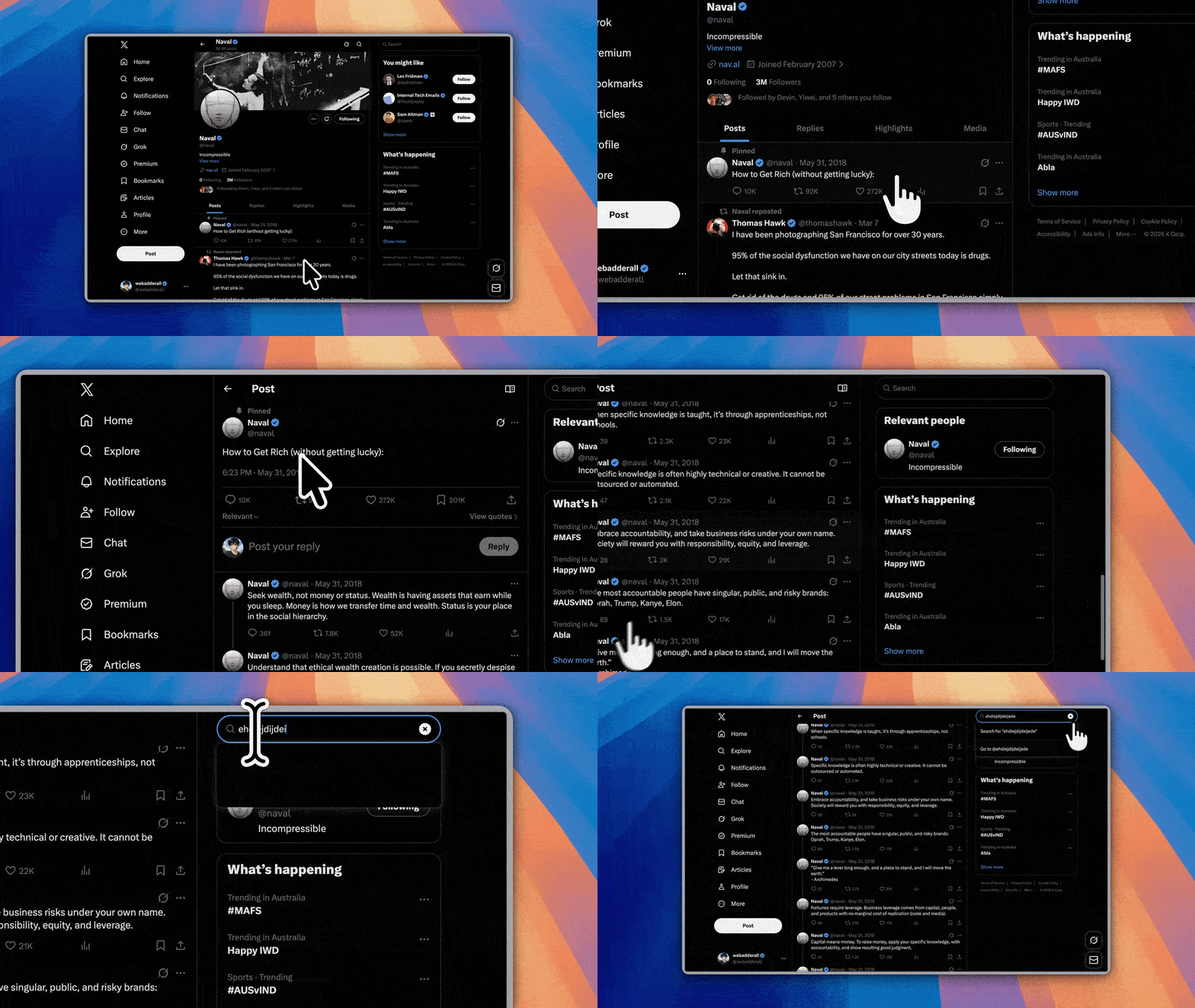
মাউসের ক্লিক ও টাইপিং পয়েন্ট ট্র্যাক করে নিজে থেকেই পারফেক্ট জুম তৈরি করে।
মোশন ব্লার ও স্মুথ সোয়ে ফিজিক্স দিয়ে কার্সারকে দেয় বাটার-স্মুথ ভাইব।
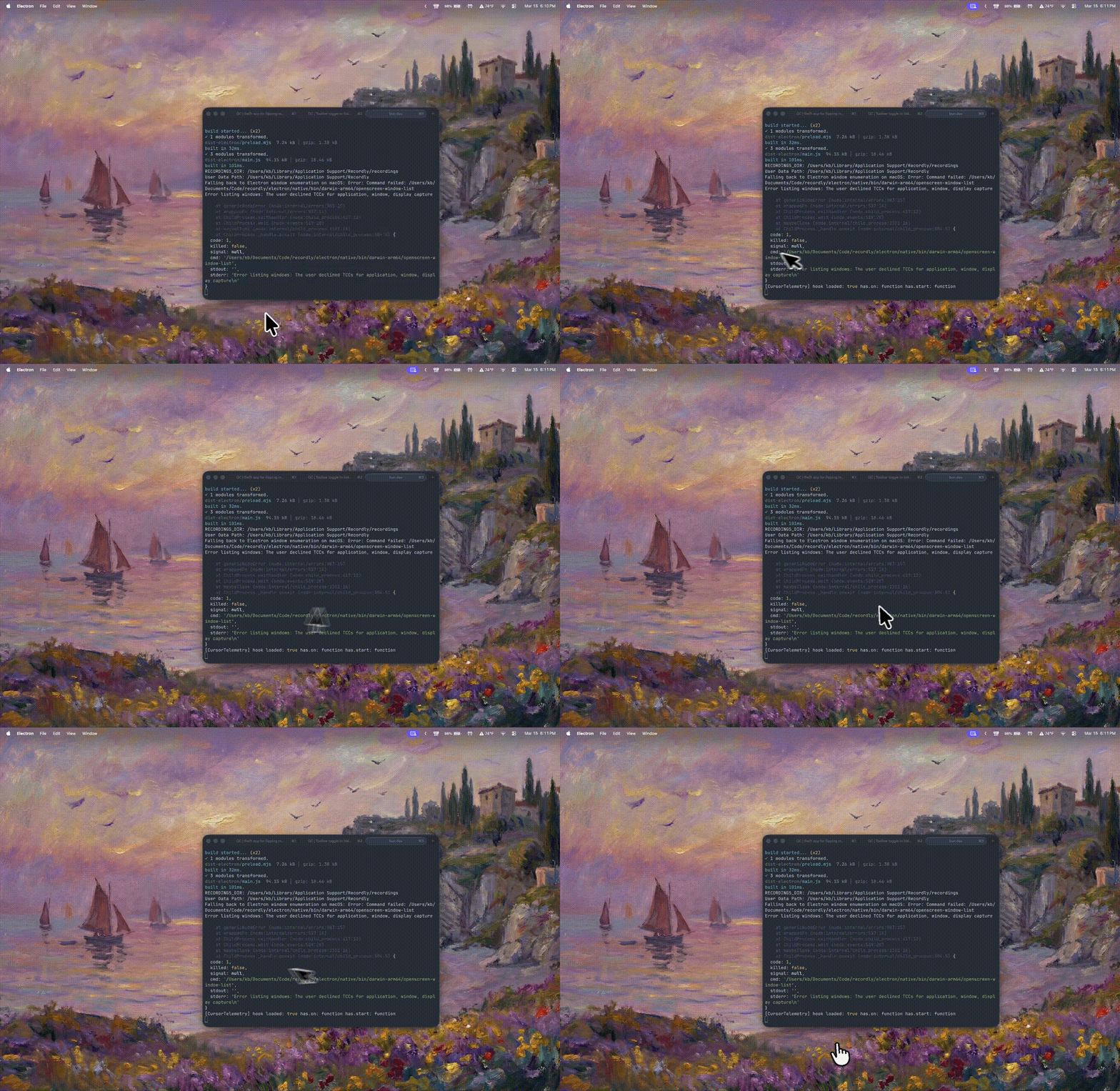
ফ্লোটিং রাউন্ড ক্যামেরা যা জুমের সাথে স্বয়ংক্রিয়ভাবে অ্যাডজাস্ট হয়।
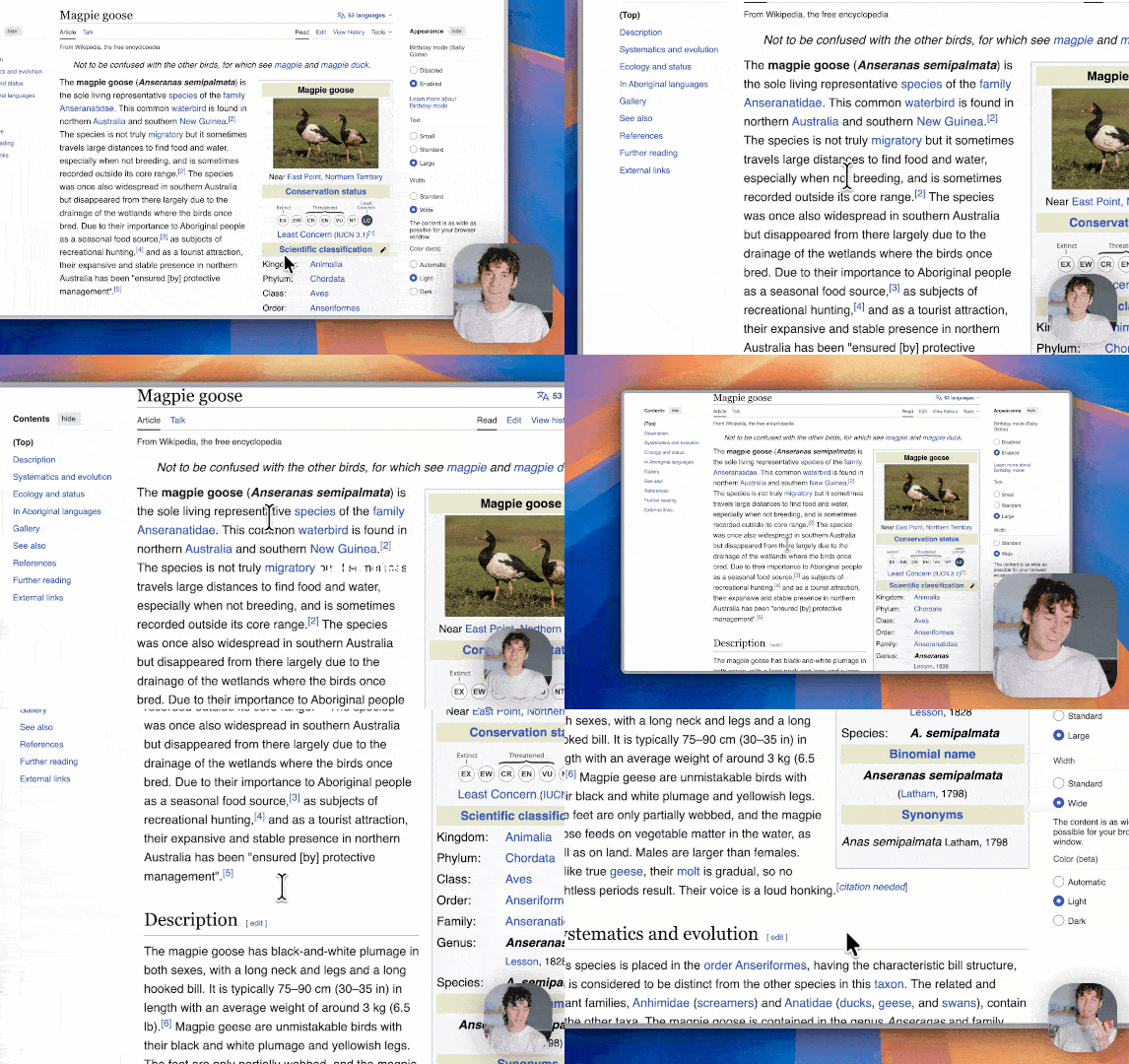
রেডিমেড গ্রেডিয়েন্ট ব্যাকগ্রাউন্ড, উইন্ডো শ্যাডো ও কর্নার রাউন্ডিং।
MP4, ProRes ও Looping GIF ফরম্যাটে সরাসরি এক্সপোর্ট করুন।
এক ক্লিকে আপনার অডিও থেকে বাংলা ও ইংরেজি স্পষ্ট সাবটাইটেল তৈরি করুন।
জটিল ভিডিও এডিটিং সফটওয়্যার ছাড়াই মাত্র কয়েক মিনিটে প্রস্তুত।
যেকোনো উইন্ডো বা পুরো ডিসপ্লে নির্বাচন করে 60FPS-এ সহজে রেকর্ড করুন।
AI নিজে থেকেই মাউস ক্লিক জুম, কার্সার সোয়ে এবং বাংলা/ইংরেজি সাবটাইটেল বসিয়ে দেয়।
কোনো রেন্ডার ল্যাগ ছাড়াই 4K MP4, ProRes বা Looping GIF হিসেবে এক্সপোর্ট করুন।
Zero latency, offline-first recording with native GPU acceleration. Record crystal-clear 4K 60FPS demos directly on your computer.
CamVerse-windows-x64.exe • 213 MB • v1.3.5
সব plan-এ Bangla + English support। যেকোনো সময় upgrade করা যাবে।
৳0
For testing & basic recordings.
Creators, Developers & Solo Founders.
Teams, Studios & Fast-Growing Agencies.
Up to 5 Team Members
👈 Swipe sideways to compare plans 👉
| Feature | Free | Pro | Agency |
|---|---|---|---|
| Screen & Window Recording | Included | Included | Included |
| Recording Duration Limit | Max 5 Min / video | Unlimited | Unlimited |
| 4K 60FPS High-Res Capture | Not included | Included | Included |
| Auto-Zooms & Smart Framing | Basic | Included | Included |
| Cursor Smoothing & Motion Blur | Not included | Included | Included |
| Dynamic Webcam Bubble Overlay | Basic | Included | Included |
| Studio Frames & Custom Wallpapers | Not included | Included | Included |
| Timeline Editor & Speed Ramps | Included | Included | Included |
| Built-in Teleprompter | Basic | Included | Included |
| AI Script & Caption Generator | Not included | Included | Included |
| Auto Subtitles (Bangla + English) | Not included | Included | Included |
| AI Voice Denoise & Audio Polish | Not included | Included | Included |
| 60FPS Looping GIF Export | Not included | Included | Included |
| No Watermark + Commercial License | Not included | Included | Included |
| Team Seats & Collaboration | 1 | 1 | 5 Seats |
| Shared Projects & Cloud Sync | Not included | Not included | Included |
| Multiple Client Brand Kits | Not included | Not included | Included |
যেকোনো প্রয়োজনে আমাদের সাপোর্ট টিম আপনার পাশে আছে।
Record, auto-zoom, silky cursor physics, dynamic frames এবং AI captions এক অ্যাপেই।